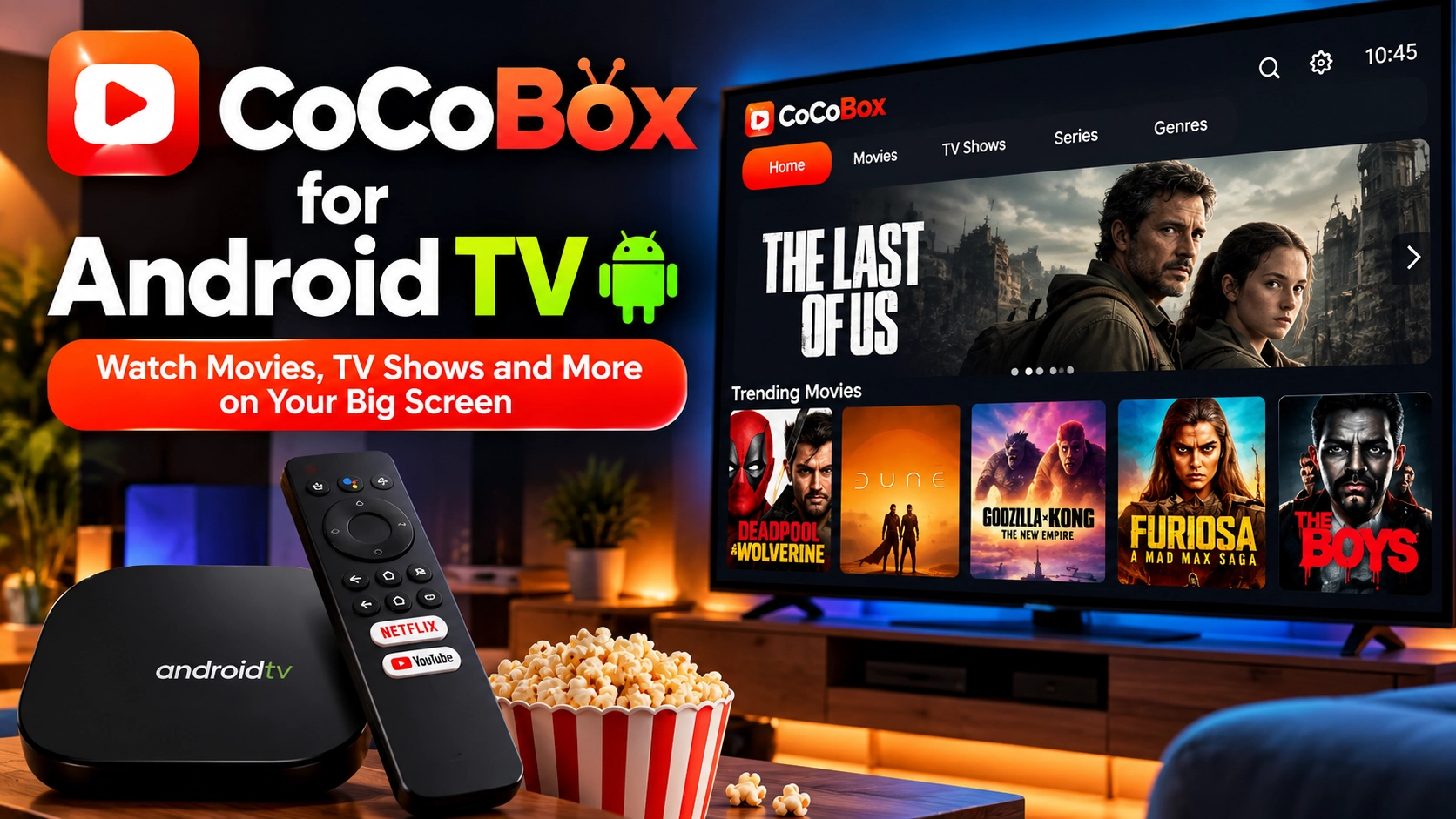
Watching movies and TV shows on a smartphone is convenient, but many users prefer a larger screen for a better entertainment experience. CoCoBox for Android TV is a topic of interest for viewers who want to explore CoCoBox on Android TV devices and enjoy a more comfortable viewing setup.
Android TV provides a large-screen interface designed for televisions, making it different from the standard mobile Android experience. Before using any third-party entertainment application on a TV, it is important to understand compatibility, installation requirements, navigation, and security considerations. This guide explains the main things to know about using CoCoBox with Android TV.
What Is CoCoBox for Android TV?
CoCoBox for Android TV refers to using the CoCoBox entertainment application on a compatible Android TV device. The goal is to provide a larger-screen experience for browsing movies, TV shows, series, and other available entertainment content.
A television interface can make browsing more comfortable because users can sit farther away from the screen and control the application with a remote. However, whether a particular CoCoBox version works directly on Android TV depends on its compatibility and how the application was developed.
Users should therefore check the requirements of the specific version before attempting installation.
Why Use CoCoBox on Android TV?
A television provides several advantages for long-form entertainment. Movies and series can be easier to watch on a large display than on a small mobile screen.
Using an application on Android TV can also provide a more relaxed viewing experience. Instead of holding a smartphone, users can sit comfortably and navigate using a remote or compatible controller.
Some potential advantages include:
- Larger viewing area
- Comfortable remote-based navigation
- Better experience for movies and series
- Easier group viewing
- Android TV-friendly interface when supported
- Convenient access from a television setup
The actual experience depends on the device, application version, display, and available features.
CoCoBox Android TV Compatibility
Compatibility is one of the first things to check before installing CoCoBox on a television. Not every Android application is designed specifically for TV screens.
Android TV applications generally need to work properly with remote controls and large displays. If a mobile-focused application does not provide TV optimization, some menus or controls may not behave as expected.
Before installing CoCoBox, check:
- Your Android TV version
- Available storage space
- Device specifications
- Application compatibility
- Required permissions
- Whether the application officially supports TV devices
Checking these details can prevent unnecessary installation problems.
CoCoBox Interface on a Large Screen
A large television screen changes how an application feels compared with a smartphone. Menus need to be readable from a distance, and buttons should be easy to select using a remote.
If a compatible CoCoBox version supports Android TV navigation, users can browse available sections from the television screen. Categories and titles can be easier to see, especially when several people are watching together.
The exact interface can vary between different versions of the application.
Movies on Android TV
Movies are one of the main reasons users look for entertainment applications on Android TV. A large screen can provide a more immersive experience when watching action, adventure, comedy, drama, or other genres.
With a compatible CoCoBox setup, users can browse available movie categories and select titles according to their interests.
For the best viewing experience, the television should have a stable internet connection and sufficient display quality. Streaming performance also depends on the available network speed and the application’s content source.
TV Shows and Series
Android TV is particularly convenient for watching television shows and series. Instead of viewing individual episodes on a phone, users can watch longer programs on a larger display.
CoCoBox may organize available TV content into different categories, depending on the version being used. Users can browse series and choose available episodes from the television interface.
If the application supports resume or similar viewing features, these can also make it easier to continue entertainment sessions. Feature availability should always be confirmed in the specific version.
Remote-Friendly Navigation
One of the most important differences between mobile and television applications is navigation.
On a smartphone, users normally tap the screen. Android TV relies more heavily on directional controls and selection buttons. A properly optimized TV application should therefore make it easy to move between menus using a remote.
If CoCoBox is compatible with your Android TV device, remote navigation can make browsing movies and TV shows more convenient.
Internet Connection Requirements
A stable internet connection is important when watching online video content. Even a well-performing television and application may have problems if the network connection is unstable.
For a smoother experience, users should:
- Keep the TV connected to a reliable network.
- Avoid unnecessary downloads on the same connection.
- Place the router in a suitable location.
- Restart the network connection if performance drops.
- Check internet speed when streaming problems continue.
Video quality and playback stability can vary according to the content source and network conditions.
How to Install CoCoBox on Android TV
The installation method depends on whether the CoCoBox version is officially available for Android TV.
If an official TV-compatible version is available, users should preferably install it through a trusted application store or the developer’s official distribution method.
For third-party applications, installation can involve additional steps, but users should be cautious about downloading APK files from unknown websites. A file from an unreliable source could contain unwanted software or request unnecessary permissions.
Before installing any APK, verify its source, version, permissions, and compatibility with your device.
CoCoBox Performance on Android TV
Performance depends on several factors. A newer Android TV device with adequate processing power and storage will generally handle applications more comfortably than an older device.
Other factors include:
- RAM and processor performance
- Available storage
- Android TV version
- Internet connection
- Application optimization
- Video source quality
If an application feels slow, users can check available storage, close unnecessary applications, and restart the TV. Keeping the operating system updated can also help with general device performance.
Security and Privacy Considerations
Security should always be considered when installing third-party applications on Android TV.
Users should avoid suspicious APK files and websites that make unrealistic claims. It is also useful to review application permissions before installation.
Do not provide sensitive information to an application unless it is genuinely required and you trust the service. Keep your TV’s security settings enabled and remove applications that behave unexpectedly.
Using trusted sources is one of the simplest ways to reduce potential security risks.
CoCoBox for Android TV vs Mobile
The main difference