
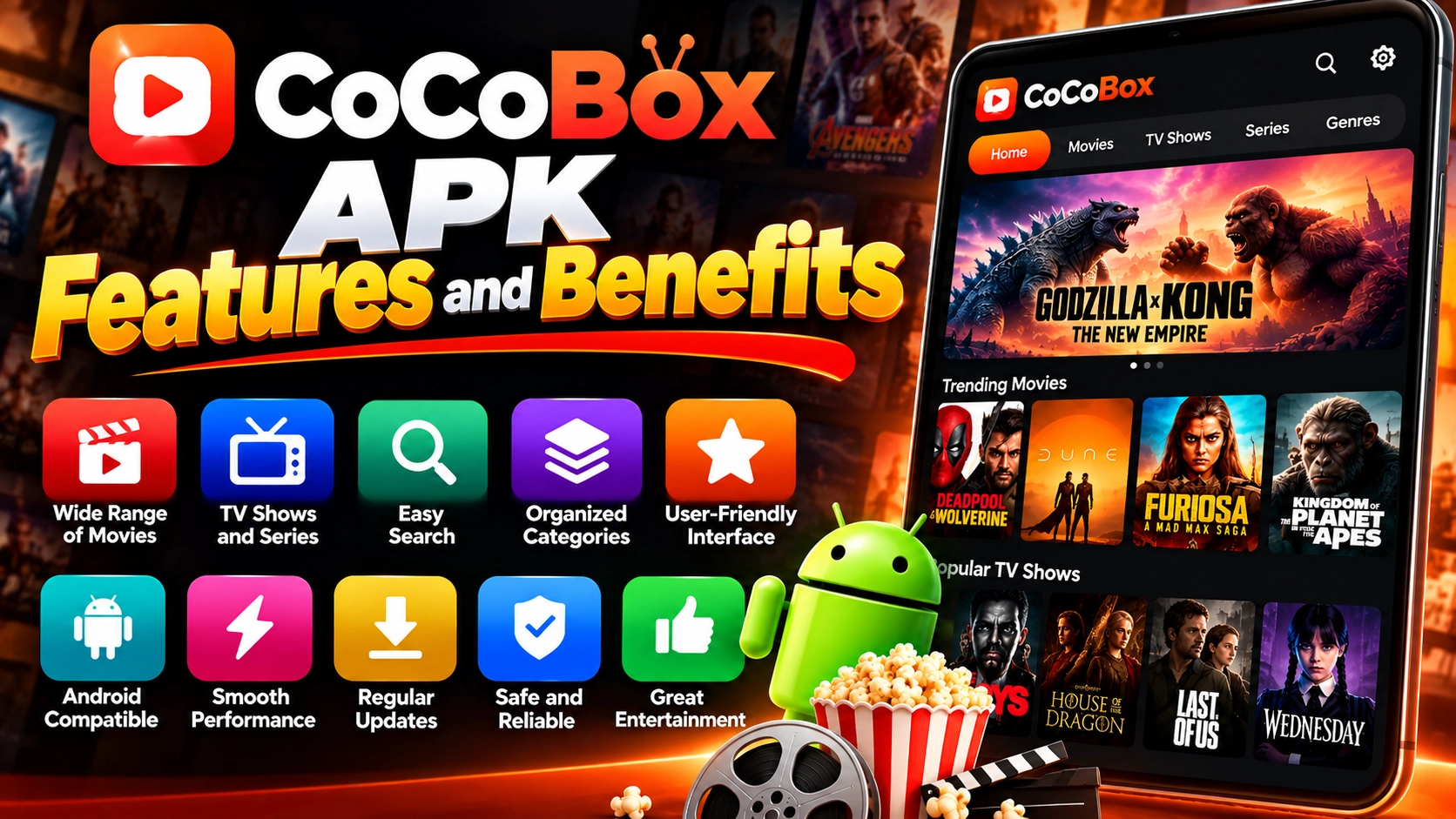
The CoCoBox APK Features and Benefits are important to understand for Android users who are interested in exploring an entertainment-focused application. CoCoBox is designed around browsing and discovering movies, TV shows, series, and other available entertainment content through a simple interface.
Before installing any APK, users should understand what the application offers, how it works on their device, and what limitations may apply. Features can also change between different versions, so the exact experience may not be identical across every release.
This guide explains the main CoCoBox features, potential benefits, compatibility considerations, and important points to check before using the application.
What Is CoCoBox APK?
CoCoBox APK is an Android application package associated with entertainment and content browsing. The application is designed to give users an organized interface where they can explore available movies, TV shows, and series.
The APK format allows Android applications to be installed outside a traditional app-store environment. However, users should be careful when downloading APK files and should always verify the source before installation.
CoCoBox may be useful for people who prefer having entertainment categories arranged in one application rather than searching through multiple sections separately.
CoCoBox APK Features
The following are some of the features users may find in CoCoBox, depending on the version and device.
1. Simple User Interface
A straightforward interface is one of the most useful features of an entertainment application. CoCoBox focuses on making its main sections easy to navigate.
Users can browse different categories and explore available titles without needing to learn complicated controls. A clean layout can make it easier to find entertainment content on smaller Android screens.
2. Movies Section
Movies are an important part of the CoCoBox entertainment experience. Users can browse available movie titles and explore different categories.
Depending on the particular version, categories may include genres such as action, comedy, drama, adventure, animation, thriller, and more.
The available titles can change over time, so users should not expect every version to contain exactly the same selection.
3. TV Shows and Series
CoCoBox also focuses on TV shows and series. This can be useful for viewers who prefer episodic content instead of individual movies.
An organized series section can make it easier to browse available shows and find episodes. The exact features and content depend on the version being used.
4. Content Discovery
Sometimes users do not know exactly what they want to watch. Content discovery features can help them explore different titles and categories.
Browsing recommendations, genres, or popular sections can provide ideas when users are looking for something new.
5. Search Function
A search option can save time when a user already knows the name of a movie or TV show.
Instead of manually browsing through multiple categories, users can search for an available title directly. Search functionality and results may vary depending on the application version and content source.
6. Organized Categories
Organized categories can make an entertainment application easier to use. Rather than displaying every title on one long page, CoCoBox can separate content into different sections.
This approach can help users move between movies, TV shows, series, and other available categories more efficiently.
7. Android Compatibility
CoCoBox is intended for Android-based use, although compatibility can vary. Users should check the Android requirements of the specific APK before installation.
Device specifications, Android version, available storage, and application architecture can all affect compatibility.
Benefits of CoCoBox APK
Along with its features, CoCoBox may provide several practical benefits for users who want an organized entertainment interface.
Convenient Content Browsing
One of the main benefits is convenience. Users can browse available entertainment content from a single application rather than switching between different sections manually.
This can make it easier to discover movies and TV shows.
Easy Navigation
A simple interface can reduce the time required to find different categories. Users who prefer straightforward applications may find organized menus easier to navigate.
Variety of Entertainment
Having movies, TV shows, and series in one entertainment-focused application can give users more browsing options.
The amount and type of available content depend on the particular version and its content sources.
Better Large-Screen Experience
Users interested in watching entertainment on a larger display may also look for Android TV compatibility. If a suitable version supports Android TV, browsing movies and shows on a television can be more comfortable than using a smartphone.
However, mobile APKs are not necessarily optimized for TV devices, so compatibility should always be checked.
Regular Version Improvements
New application versions may include bug fixes, interface changes, compatibility improvements, or performance updates.
For this reason, users interested in CoCoBox should check version information before installing an older APK.
CoCoBox APK Performance
Application performance depends on several factors. A newer Android device with sufficient storage and processing power may provide a smoother experience than an older device.
Internet connectivity can also affect the experience when accessing online content. A stable connection can help reduce interruptions and improve general browsing and playback performance.
If the application becomes slow, users can check available storage, close unnecessary background applications, and restart the device.
CoCoBox APK Compatibility
Before downloading CoCoBox APK, users should confirm that their device meets the requirements of the particular version.
Important factors include:
- Android version
- Available storage
- RAM and processor
- Screen compatibility
- Application architecture
- Required permissions
If a device does not meet the requirements, the application may fail to install or may not operate properly.
Security Considerations
Security is particularly important when installing APK files from outside official app stores.
Users should download applications only from sources they trust. Before installation, check the file, application name, version information, and requested permissions.
Avoid APK files that appear suspicious or request unnecessary access to sensitive device information.
It is also a good practice to keep Android security features enabled and remove applications that behave unexpectedly.
CoCoBox APK Updates
Keeping an application updated can provide access to recent improvements. Developers may release updates to address bugs, improve compatibility, change the interface, or enhance performance.
Before updating CoCoBox, users should confirm that the new version is compatible with their device.
It is also useful to check what has changed between versions rather than installing an unknown file simply because it is labeled as the latest version.
CoCoBox for Different Devices
CoCoBox is mainly associated with Android devices, but users may have different requirements depending on where they want to use it.
On smartphones, touch-based navigation is important. On Android TV, remote-friendly navigation and a large-screen interface become more important.
Therefore, users should select a version designed for their particular device whenever an appropriate version is available.
Things to Consider Before Using CoCoBox
Although CoCoBox may provide convenient entertainment browsing, users should consider several points before installation.
First, verify the APK source. Second, check compatibility with your Android device. Third, review requested permissions. Finally, make sure that any content you access is legally available in your region.
Content availability can change, and some features may not be present in every version.
Final Thoughts
The CoCoBox APK Features and Benefits make the application an interesting option for Android users who want an organized way to explore movies, TV shows, and series. Features such as simple navigation, categorized content, search, and entertainment discovery can make browsing more convenient.
However, the exact features and content can vary between versions. Users should always check compatibility, verify the APK source, review permissions, and consider security before installation.
For the best experience, use a compatible Android device, maintain sufficient storage, keep the application updated from a trusted source, and access only content that you are legally permitted to use.