
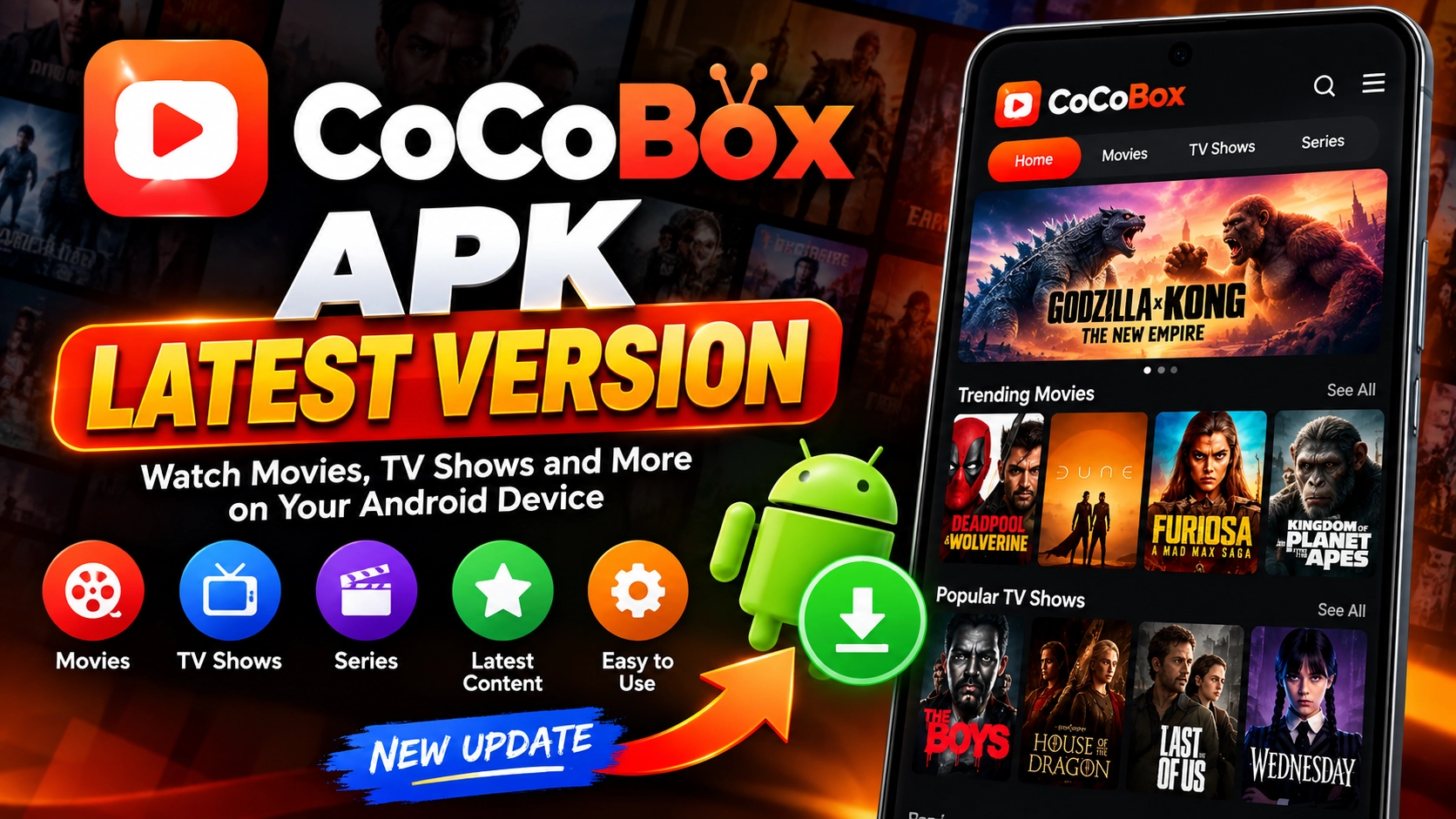
The CoCoBox APK Latest Version is designed for Android users who want to explore an entertainment-focused application from their mobile devices. With an easy-to-use interface and organized content sections, CoCoBox aims to make browsing movies, TV shows, and series more convenient.
Keeping an application updated can be important because newer versions may improve performance, compatibility, navigation, and overall stability. However, users should always pay attention to the source of an APK file and make sure it is compatible with their device before installing it.
In this guide, we will discuss CoCoBox APK Latest Version, its features, compatibility, installation considerations, performance, and important things users should know.
What Is CoCoBox APK Latest Version?
CoCoBox APK Latest Version refers to the most recent available Android package of the CoCoBox application. The application is associated with entertainment content and is designed to provide users with an organized way to browse available movies, TV shows, and series.
A newer version may introduce interface improvements, bug fixes, better compatibility, or other changes compared with an older release. Because APK versions can change over time, users should verify the version information before downloading or installing any file.
The exact features and content available can also vary between releases.
Why Choose the Latest Version of CoCoBox?
Using an updated application can provide several advantages. Developers commonly release new versions to address problems discovered in previous releases and improve the overall user experience.
Some potential benefits of using a newer CoCoBox version include:
- Improved application stability
- Better Android compatibility
- Updated user interface
- Bug fixes
- Improved navigation
- Performance improvements
- Updated content sections
However, an update does not automatically guarantee that every device will perform better. Performance can depend on the Android version, device hardware, storage, and internet connection.
CoCoBox APK Features
The latest CoCoBox experience may include several features intended to make entertainment browsing easier.
Simple Interface
A straightforward interface can make it easier to navigate between different sections. Users can browse available categories without having to learn complicated menus.
Movies and TV Shows
Movies and TV shows are central to the CoCoBox entertainment experience. Depending on the version and available content sources, users may be able to explore different categories and titles.
Organized Categories
Category-based browsing can help users discover content according to their interests. Genres and sections may vary depending on the application version.
Search and Discovery
A search feature can be useful when users already know which title they want to find. Discovery sections can also help users explore content they may not have considered before.
Mobile-Friendly Design
CoCoBox is associated with Android devices, making mobile navigation an important part of the overall experience.
CoCoBox Latest Version Compatibility
Before installing CoCoBox APK, users should check whether their Android device meets the requirements of the particular version.
Compatibility can depend on:
- Android operating system version
- Available storage
- Device hardware
- Screen size
- Application architecture
- Required permissions
Older Android devices may not support every newer application version. Similarly, a version designed for a specific Android environment may not work correctly on another device.
Checking compatibility before installation can help avoid crashes or installation errors.
CoCoBox APK Performance
Application performance depends on both the software and the device running it. A phone with sufficient storage and processing resources can generally handle applications more comfortably.
If CoCoBox is running slowly, users can check available storage, close unnecessary background applications, and restart their device.
Internet connectivity is another important factor when accessing online entertainment content. A stable connection can provide a smoother browsing and playback experience.
How to Install CoCoBox APK
The safest approach is to obtain applications from official or trusted distribution sources whenever available.
If a legitimate APK distribution is provided, users should first verify that the file corresponds to the correct application and version. They should also check the source before opening or installing the file.
A general installation process for a trusted APK is:
- Download the appropriate APK file from a trusted source.
- Check the file name and version information.
- Review the application’s requested permissions.
- Install the APK according to Android’s security prompts.
- Open the application after installation.
- Check that the application works correctly on the device.
Avoid installing files from suspicious websites or links that make unrealistic claims.
CoCoBox APK Update Process
If a newer version becomes available, updating can provide access to recent improvements and bug fixes.
Before updating, users should check the new version number and make sure it is compatible with their Android device. It is also sensible to keep important personal data backed up before making significant software changes.
If an update causes compatibility problems, users should check the developer’s information for the correct version rather than repeatedly installing unknown APK files.
CoCoBox APK and Android TV
Some users are interested in using CoCoBox on larger screens. Android TV devices provide a different interface from smartphones, so compatibility is important.
A mobile APK may not always be optimized for television screens or remote controls. Users should therefore look for a version that specifically supports their Android TV device if TV compatibility is required.
For a better large-screen experience, applications should support remote navigation and readable menus.
Security Considerations
Security should be a major consideration whenever installing an APK from outside a trusted application store.
Users should verify the source of an APK before installation and avoid files that appear modified, suspicious, or bundled with unnecessary software.
It is also important to review permissions. An entertainment application should not automatically need access to unrelated sensitive information.
Keeping Android’s security features enabled and regularly checking installed applications can help users maintain a safer device.
Advantages of CoCoBox APK Latest Version
There are several reasons users may be interested in the latest CoCoBox release:
- Updated application experience
- Potential bug fixes
- Improved compatibility
- Easier content browsing
- Organized entertainment sections
- Support for newer Android environments
- Potential performance improvements
The exact benefits depend on the specific release, so users should always check the version details before updating.
Things to Consider Before Downloading
Before downloading CoCoBox APK Latest Version, consider the following points:
Check the source: Only use a source you trust.
Verify compatibility: Make sure the APK supports your Android version.
Review permissions: Pay attention to what the application requests.
Check storage: Ensure that your device has enough free space.
Respect copyright: Only access content that you are legally permitted to view.
These simple checks can help reduce installation and security problems.
Final Thoughts
The CoCoBox APK Latest Version can be an option for Android users interested in an entertainment-focused application for browsing movies, TV shows, and series. Updated versions may offer improvements such as better compatibility, navigation, stability, and bug fixes.
Before installing any APK, users should verify the version, source, permissions, and compatibility with their device. They should also use legitimate content sources and follow applicable copyright laws.
For the best experience, keep your Android device updated, maintain enough storage space, and use a stable internet connection. Most importantly, download applications only from sources you trust and avoid suspicious APK files.