
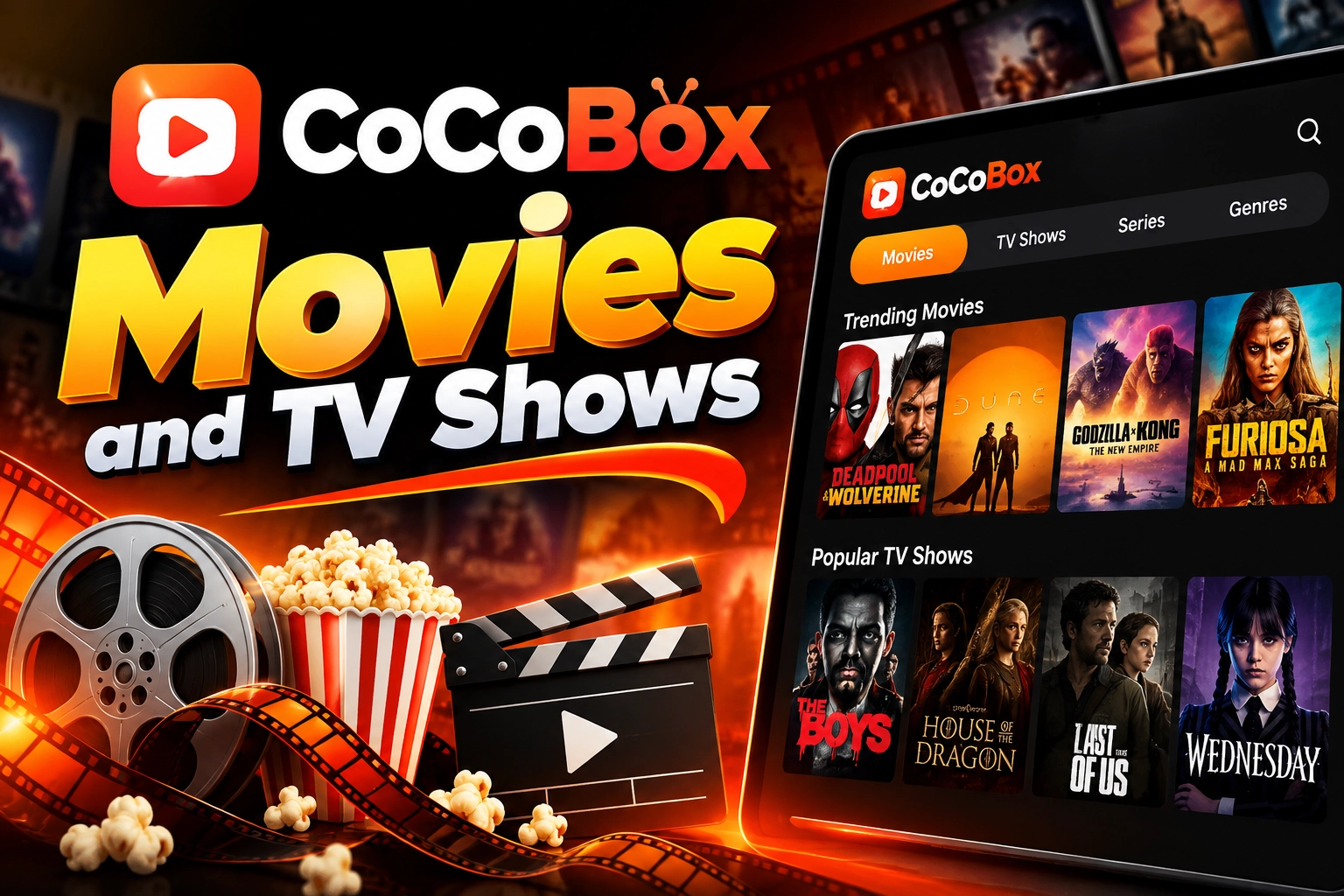
If you enjoy watching movies and TV shows on your Android device, CoCoBox Movies and TV Shows can be an interesting option to explore. With a simple interface and entertainment-focused design, CoCoBox is aimed at users who want convenient access to different types of video content from one place.
Whether you prefer movies, TV series, popular shows, or different entertainment categories, having everything organized in one application can make browsing easier. This guide explains what CoCoBox Movies and TV Shows offers, its main features, supported devices, and some important things to consider before using the app.
What Is CoCoBox Movies and TV Shows?
CoCoBox Movies and TV Shows refers to the entertainment section of the CoCoBox app, where users can browse different types of video content. Instead of searching through multiple platforms, users can explore movies and television content through a single interface.
The application is designed with straightforward navigation so users can find categories and titles without spending too much time learning how everything works. Depending on the available version and content sources, the selection may include different genres, languages, and types of entertainment.
CoCoBox Movies Collection
Movies are one of the main attractions for entertainment applications. CoCoBox provides a movie-focused browsing experience where users can explore different titles according to their interests.
You may find categories based on genres such as:
- Action
- Comedy
- Drama
- Romance
- Thriller
- Adventure
- Animation
- Science fiction
- Family entertainment
Having multiple categories makes it easier to discover something new instead of searching for a specific movie every time. Users can browse available titles and choose content according to their preferred genre or language.
CoCoBox TV Shows and Series
Along with movies, CoCoBox TV Shows is another important part of the entertainment experience. TV shows and series are popular because they provide longer-form entertainment that users can follow over multiple episodes.
The TV section can help users discover different series and shows in an organized manner. Depending on the version of the application and available content, users may be able to browse titles by category or other useful filters.
For people who prefer watching episodes instead of individual movies, this section can make the overall experience more convenient.
Simple and Easy-to-Use Interface
One of the most important features of any streaming-focused application is its interface. If menus are confusing, finding entertainment can become frustrating.
CoCoBox focuses on keeping navigation relatively straightforward. Users can move between different sections, explore available titles, and look through entertainment categories without complicated steps.
A clean interface is especially useful on mobile devices because smaller screens require well-organized menus and readable information.
Different Entertainment Categories
A good entertainment application should provide variety. CoCoBox can organize movies and shows into different categories to make content discovery easier.
Instead of scrolling through one large list, users can explore specific sections based on their interests. Genre-based browsing can also help when users do not have a particular title in mind.
For example, someone looking for an action movie can focus on the action category, while another viewer interested in comedy can explore comedy-related titles.
Search and Content Discovery
Finding a specific title is another important part of the viewing experience. A useful search feature can save time when users already know what they want to watch.
CoCoBox’s content discovery approach is designed to help users browse and locate available movies and TV shows more easily. Search and category-based navigation can work together, allowing users to either look for a particular title or discover something new.
The exact search options can vary depending on the version of the app.
CoCoBox for Android Devices
CoCoBox is primarily associated with Android-based entertainment use. Android users often prefer applications that are easy to navigate and work smoothly on their devices.
Before installing any third-party application, however, users should check whether the version is compatible with their Android device. Compatibility can depend on the Android version, device specifications, application version, and other technical requirements.
Keeping the device and application updated can also help provide a better overall experience.
Watching Movies and Shows on a Larger Screen
Some users prefer watching movies and TV shows on a larger display rather than a smartphone. Depending on device compatibility, users may explore ways to enjoy supported content on larger Android-based screens.
A larger display can be more comfortable for long-form entertainment, particularly when watching movies or multiple episodes of a TV series.
However, compatibility should always be checked before attempting to use an application on another type of device.
CoCoBox Features
The overall CoCoBox experience can include several useful features for entertainment browsing. Common highlights include:
Organized Content
Movies and TV shows can be arranged into categories, helping users discover content more easily.
Simple Navigation
A straightforward interface makes it easier to move between sections and browse available titles.
Entertainment Variety
Users can explore different movie genres and television content instead of focusing on only one type of entertainment.
Search and Discovery
Content discovery features can help users find specific titles or explore something new.
Mobile-Friendly Experience
The application is designed around Android-style navigation, making it suitable for users who prefer watching entertainment on mobile devices.
Why Users Look for CoCoBox Movies and TV Shows
People have different reasons for searching for CoCoBox Movies and TV Shows. Some users want a convenient way to browse entertainment, while others are interested in discovering movies and series through a single application.
The biggest advantage of a centralized entertainment interface is convenience. Rather than navigating through multiple sections separately, users can explore available content from one application.
The experience will ultimately depend on the specific app version, device, internet connection, and availability of content.
Things to Check Before Using CoCoBox
Before installing or using any third-party entertainment application, it is important to consider a few things.
First, download applications only from sources you trust. Avoid suspicious websites or files that request unnecessary permissions.
Second, check the application’s compatibility with your Android version. An incompatible version may not work correctly or could cause unexpected problems.
Third, review the permissions requested by the application. Only provide permissions that are reasonable for the app’s intended functionality.
Finally, remember that content availability can change. Movies and TV shows may be added, removed, or become unavailable depending on the application version and content sources.
CoCoBox Movies and TV Shows: Final Thoughts
CoCoBox Movies and TV Shows can be useful for Android users interested in exploring movies, television shows, and series through an entertainment-focused application. Its simple navigation, category-based browsing, and variety of entertainment options can make discovering content more convenient.
If you are considering CoCoBox, check the application’s current version, device compatibility, permissions, and the reliability of the source before installing it. With the right setup, users can enjoy a more organized way to browse their preferred movies and TV shows.
For the best experience, always use legitimate content sources and follow applicable copyright and local laws when accessing movies and television programs.